GA4 & Google Ads
- Send lead, qualified, and sale events to Google Analytics 4 via Measurement Protocol.
- Link GA4 to Google Ads for conversion tracking and automated bidding.
GA4 Configuration
- Navigate to Container Settings > Integrations > Google Analytics.
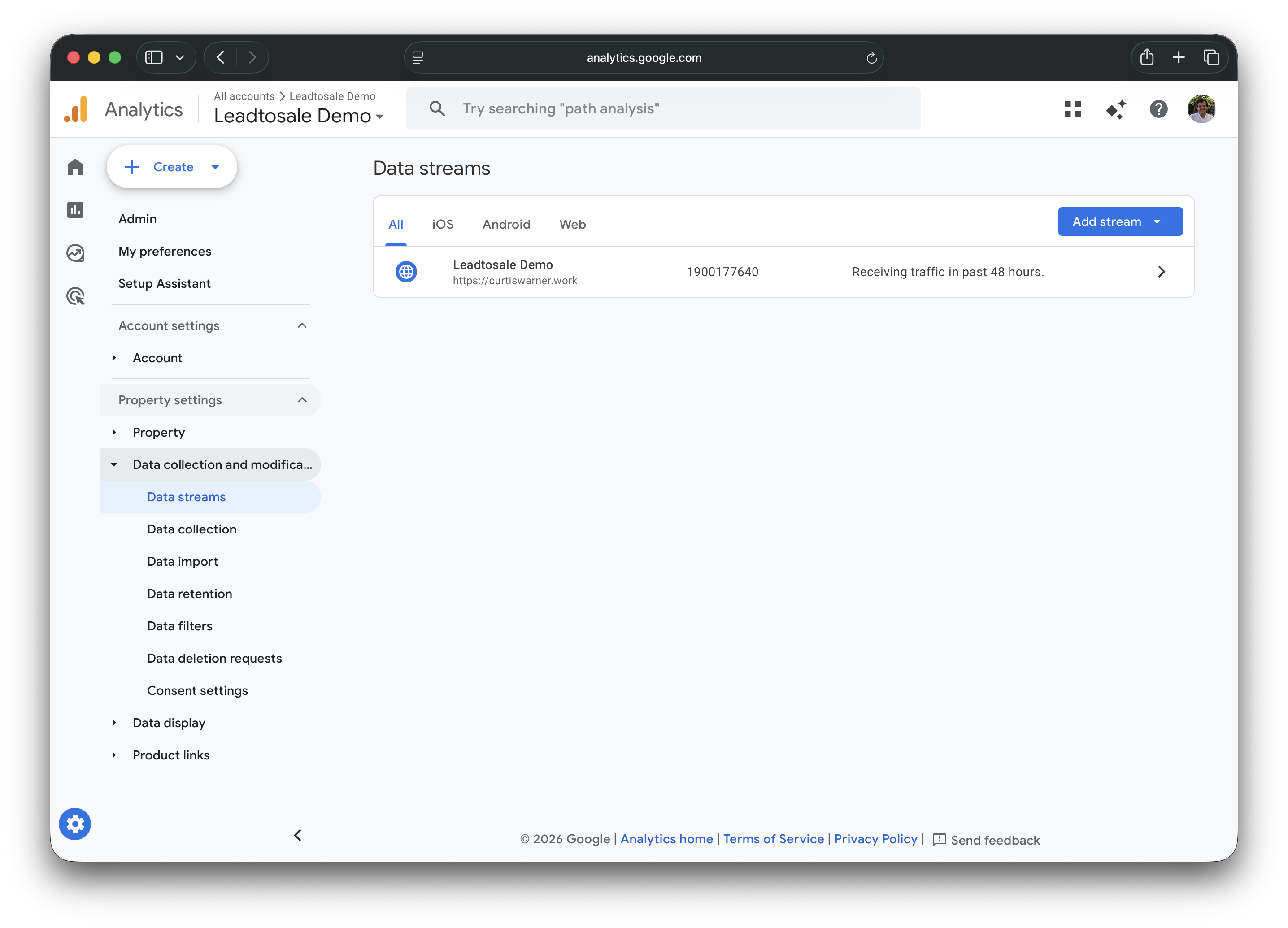
- Enter your GA4 Measurement ID (format: G-XXXXXXXXXX).
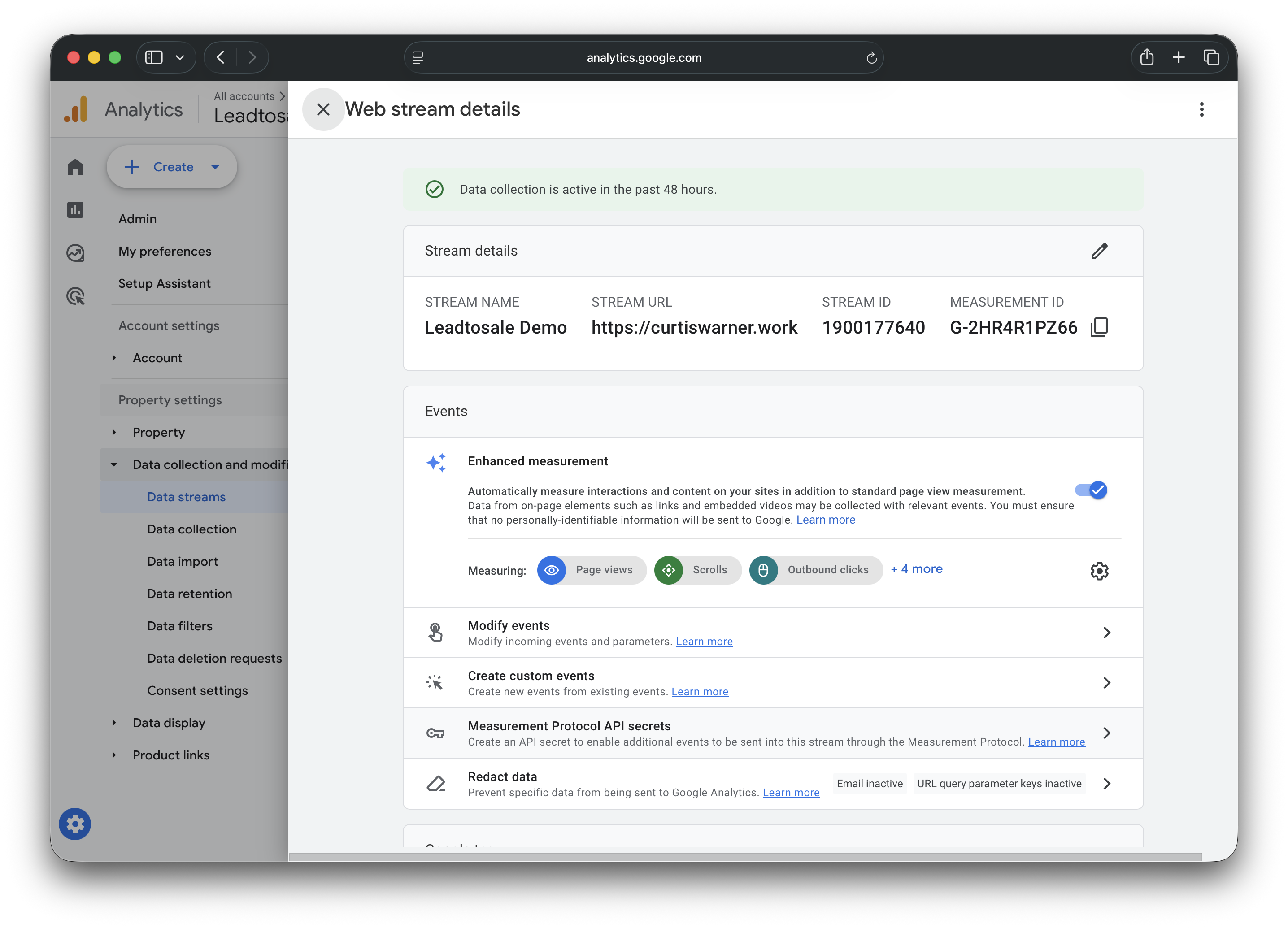
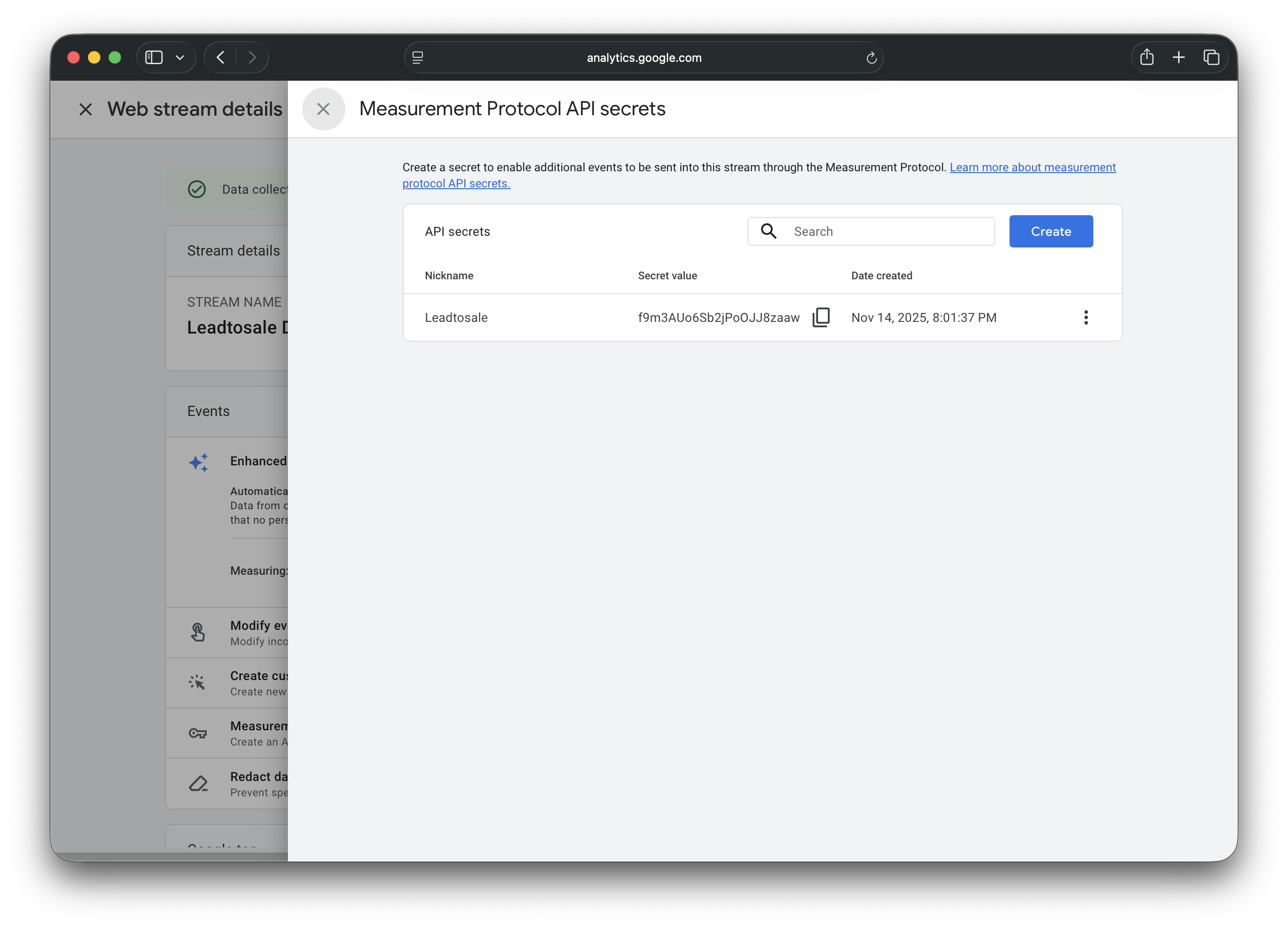
- Enter your GA4 API Secret (generated in GA4 Admin > Data Streams > Measurement Protocol API Secrets).


Events sent to GA4
call_lead- When a call lead is captured.form_lead- When a form lead is captured.custom_lead- When a custom lead is captured.qualify_lead- When a lead is marked as qualified.purchase- When a lead is marked as a sale (with value).email_link_click- When an email link is clicked.phone_link_click- When a phone link is clicked.email_clipboard_copy- When an email address is copied to the clipboard.
Lead events are sent if “Send New Leads to GA” is ticked on the tracker, and the lead can be matched to a web visit (see per tracker settings).
Email link clicks, phone link clicks and email clipboard copies are sent if they’re ticked in the container settings.

Event parameters
All events include:
- UTM parameters (prefixed with
lts_) - Client ID for user attribution
Purchase events include:
- Transaction ID (unique per lead)
- A placeholder item.
- The value of the purchase as revenue.
- The currency code from your account country.
Google Ads linking
- Link your GA4 property to Google Ads in GA4 Admin > Product Linking > Google Ads.
- Enable auto-tagging in your Google Ads account for full attribution.
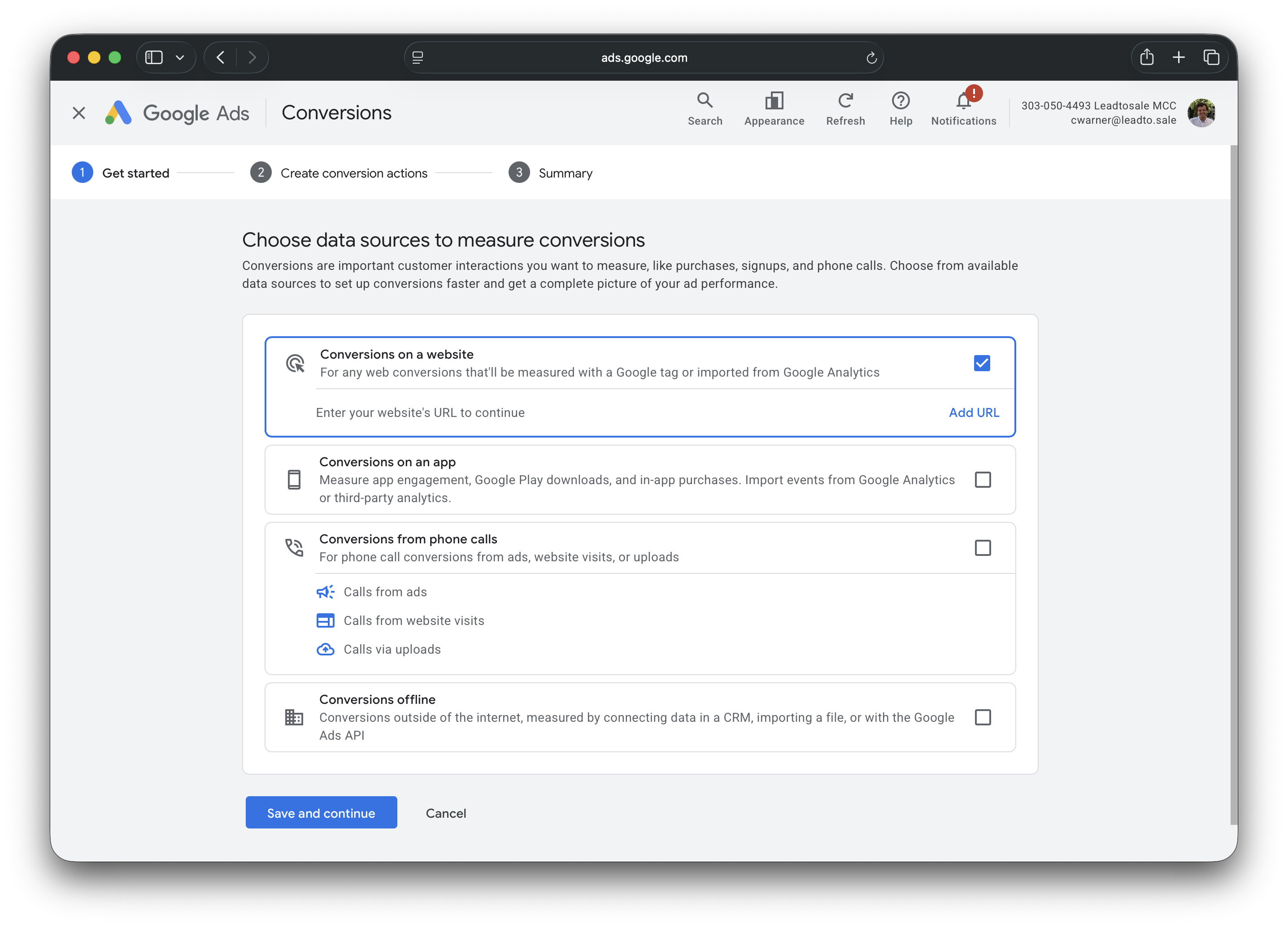
- Import GA4 events as conversions in Google Ads > Goals > New Conversion Action > Conversions on a Website > Enter your URL > Select Google Analytics (link if not linked yet) > Select your key events.

Per-tracker settings
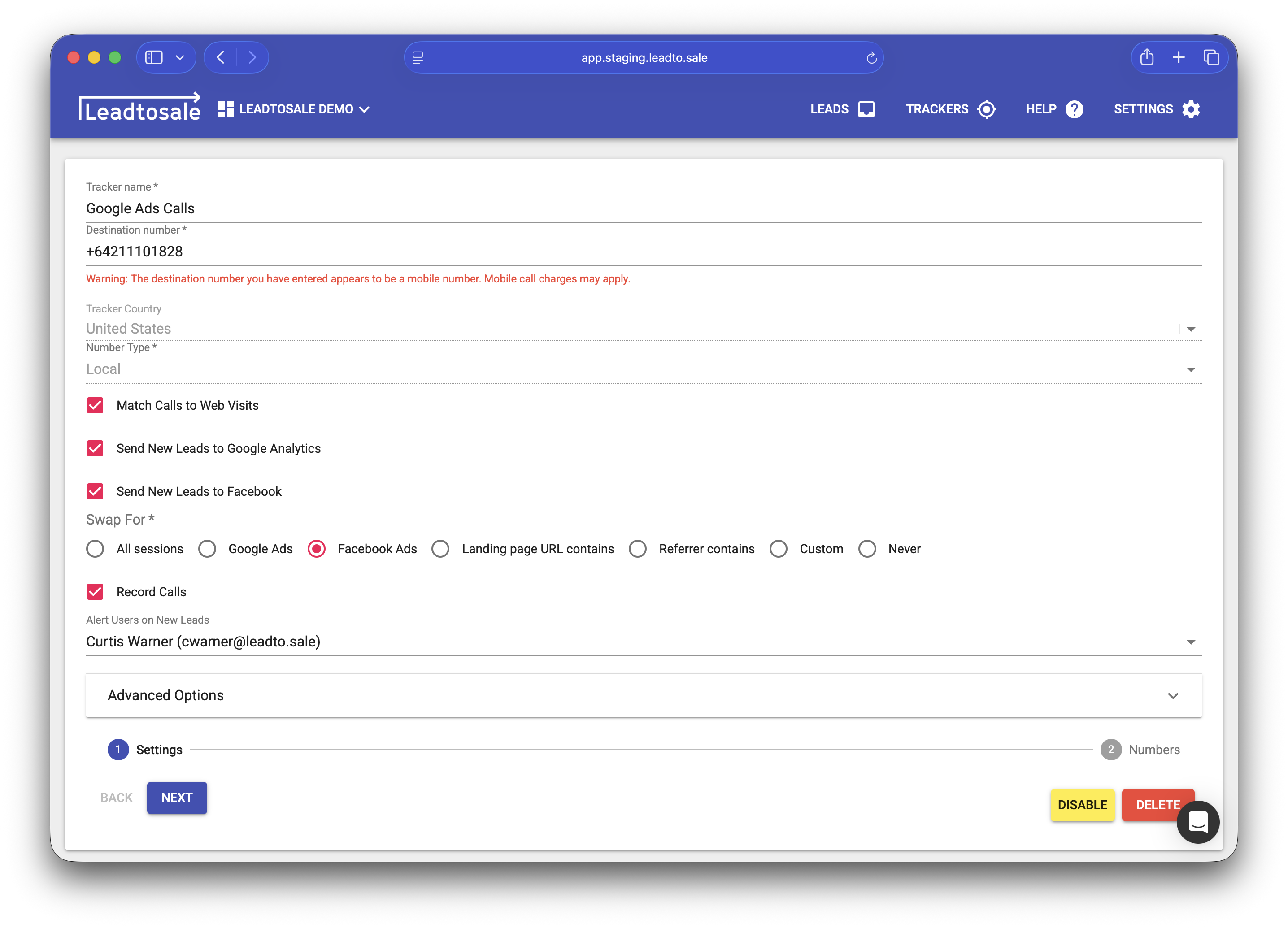
- Each tracker can individually enable/disable GA4 sending.
- Enable “Send new leads to Google Analytics” in tracker settings.

Testing
- Generate a test lead and check GA4 Real-Time reports.
- Events should appear within seconds.
- Verify events appear in GA4 > Reports > Realtime.
Troubleshooting
- Verify Measurement ID format (starts with G-).
- Ensure API secret is correctly copied (no extra spaces).
- Check that client ID is being captured (required for attribution).
- Review GA4 realtime reports.