Looker Studio
- Looker Studio (formerly Data Studio) integration allows you to visualize Leadtosale lead data in custom dashboards.
- Pull lead data directly from Leadtosale into Looker Studio for reporting and analysis.
- Create visualizations combining lead attribution data with other data sources.
Configuration
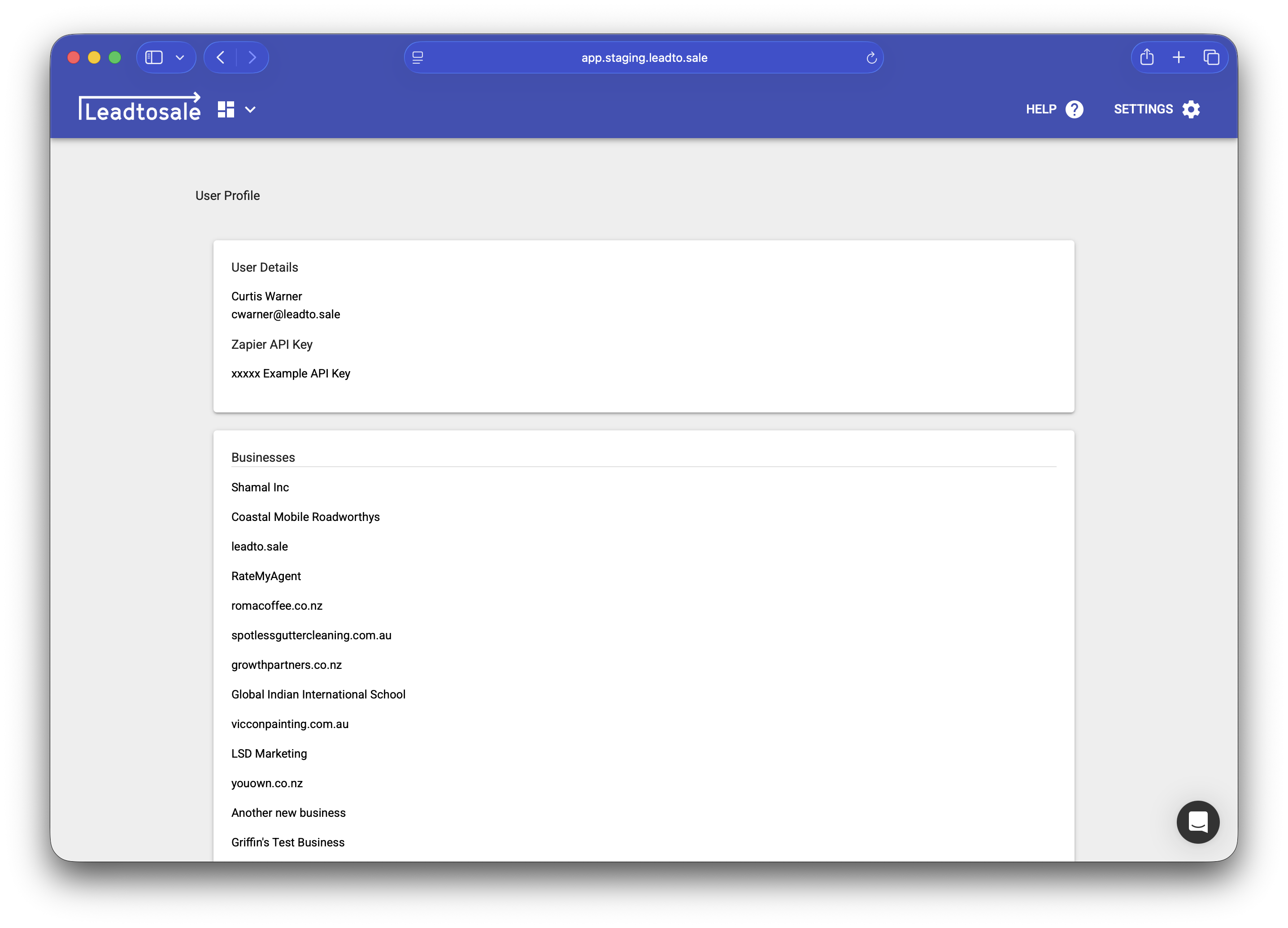
- Navigate to Settings > Profile and find your API token.
- Copy your API token for Looker Studio authentication.
- Use the Leadtosale connector in Looker Studio to connect.

Available data
- Lead ID and details (email, phone, value, status)
- Attribution data (UTM parameters, referrer, cookies)
- Temporal data (created date, timezone)
- Device and location data
- Tracker information (type, name)
Setting up in Looker Studio
- Click the “connect” button in your container settings.
- Authenticate using your API token (also found in your container settings).
- Select the account and container to report on.
- Choose date range and configure any filters.
Troubleshooting
- Verify API token is valid and hasn’t been regenerated.
- Check that your user has access to the account/container.
- Refresh data source if fields appear missing.
- Check date ranges match your expected data.