Zapier
- Zapier integration allows you to send lead data to thousands of other applications.
- Webhook triggers fire when leads are created, marked as sale, or marked as qualified.
- Use Zapier workflows to automate notifications, CRM updates, spreadsheets, and more.
Connecting via Zapier
- Log in to your Zapier account.
- Click this invite link.
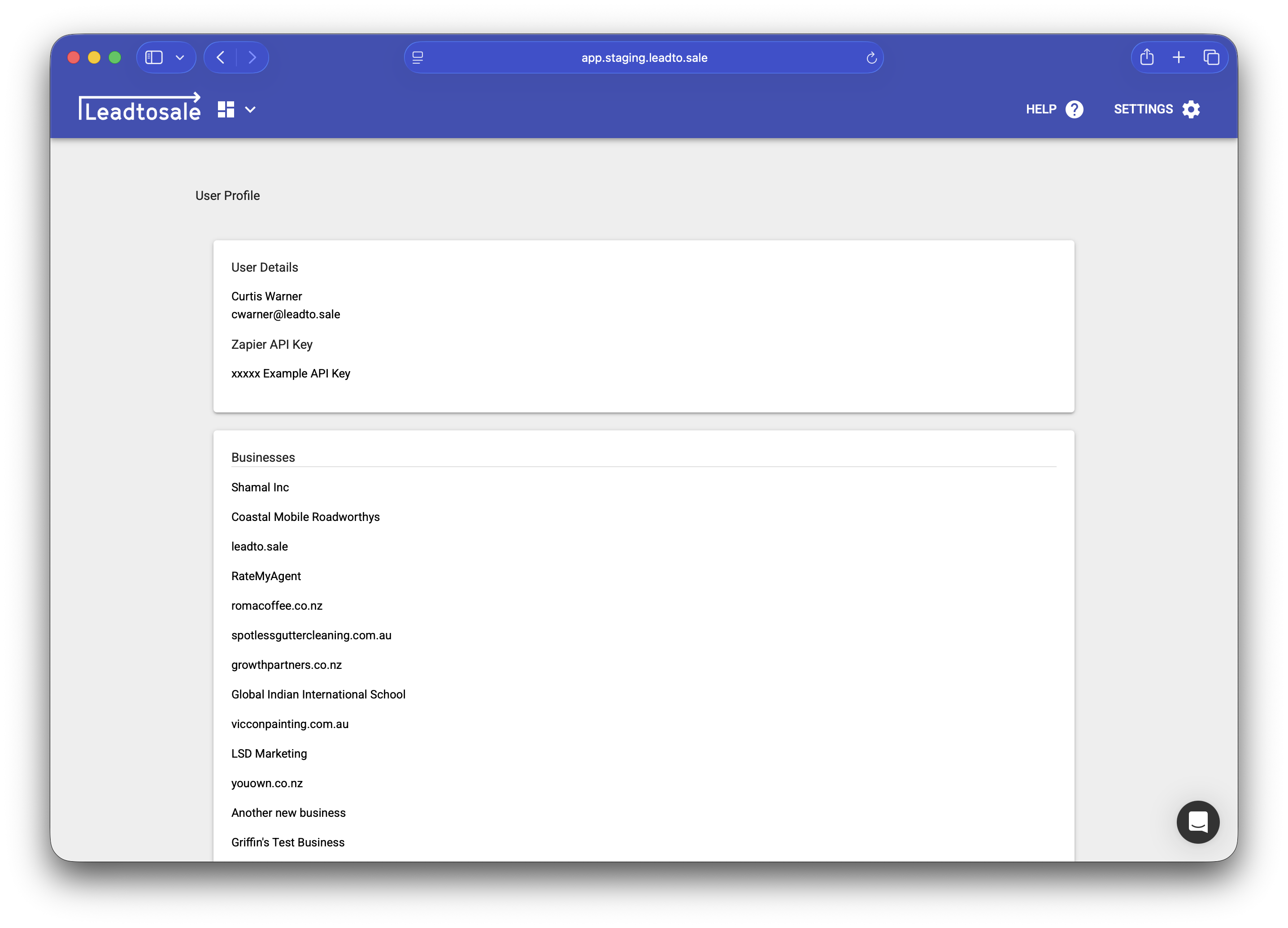
- Connect your account using your API credentials in Settings > Profile.

Available triggers
- New Lead - Fires when a new lead is captured (form, call, or custom).
Available actions
- Find Lead - Finds a lead based on an email address or phone number.
- Process Lead - Allows you to mark a lead as qualified, won (with a value) or lost.
Common use cases
- CRM sync - Send leads to Salesforce, HubSpot, Pipedrive, or other CRMs.
- Spreadsheets - Log leads to Google Sheets or Excel.
- Notifications - Send Slack, Microsoft Teams, or email notifications.
- Email marketing - Add contacts to Mailchimp, ActiveCampaign, or ConvertKit.
- Custom webhooks - POST to your own API endpoints.
Troubleshooting
- Check Zapier’s task history for failed webhook deliveries.
- Verify your container is active and receiving leads.
- Ensure field mappings haven’t changed in your action app.